Google’s Find Hub App Launches for Wear OS
▼ Summary
– Google has released a Find Hub app for Wear OS, which centralizes finding devices logged into a Google Account.
– The app shows a device’s last known location, battery level, and offers options like Play sound, Secure device, and Get directions.
– The watch app provides a map view that can open Google Maps on the wrist for navigation to the device.
– The app does not currently use the Pixel Watch 4’s ultra-wideband (UWB) for precise finding, and it appears before the dedicated “Find my phone” shortcut.
– Users can install Find Hub from the watch’s Play Store or remotely from their phone, with a small update also rolling out to the phone app.
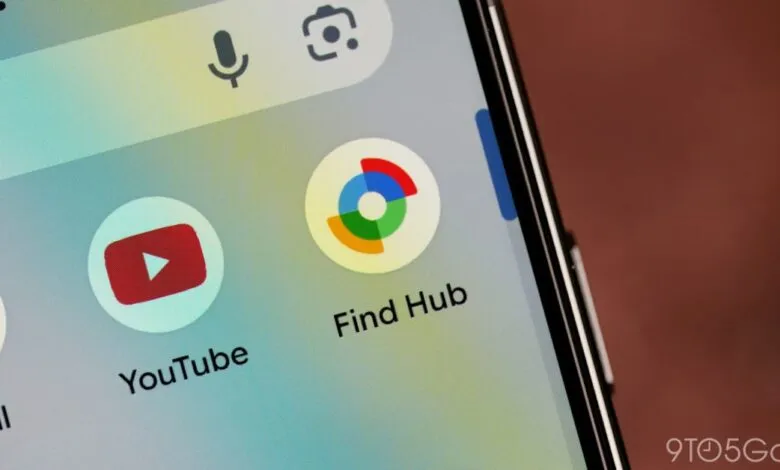
Google has officially launched its Find Hub application for Wear OS smartwatches, a move that was previously hinted at in promotional material for the upcoming Pixel Watch 3. This new wearable client provides a centralized location for managing and locating all your connected devices directly from your wrist.
The app opens to a “My devices” list, which displays every phone, tablet, watch, headset, or tracker linked to your Google Account. Tapping on any listed item brings up a detailed view. This screen immediately shows when the device was last seen and its current battery level. A map is also presented; selecting it will launch Google Maps on the watch to provide walking, driving, or transit directions to the device’s location.
Users have access to several core actions from this details page, mirroring the functionality found on the smartphone version. The available in-app options are Play sound, Secure device, Get directions, and Factory reset. A refresh button sits at the bottom of the screen to update the status and location information. The interface for making a phone ring utilizes Google’s latest Material 3 Expressive design language. Notably, the app does not currently take advantage of the ultra-wideband (UWB) technology expected in devices like the Pixel Watch 4 for precise, short-range finding.
Beyond the device list, the app includes a Settings menu and a convenient account switcher, making it simple to manage items across different profiles. The overall design is clean and intuitive, offering a straightforward experience for Wear OS users.
On the watch, Find Hub now appears before “Find my phone” in the app list or grid, though the latter remains as a dedicated shortcut for quick access. To get the app, users can search for “Find Hub” directly in the Play Store on their Wear OS watch. Alternatively, the installation can be initiated from a paired phone by using the “Install on more devices” option within the Play Store. This Wear OS release coincides with a minor update that Google is also rolling out to the Find Hub application for Android phones.
(Source: 9to5 Google)