Photoshop and Premiere Gain AI Assistant Features
▼ Summary
– Adobe is rolling out AI assistants in a public beta for Photoshop, Premiere, Illustrator, InDesign, and Frame.io as part of its Creative Cloud suite.
– Each AI assistant is powered by a common “conversational creative agent” but is specialized to perform app-specific tasks within its respective software.
– The Premiere AI assistant can sort assets, rename clips, identify keywords in speech, and add timeline markers to automate video setup.
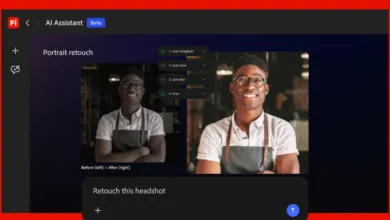
– The Photoshop AI assistant allows users to describe desired edits in natural language, such as organizing layers or switching backgrounds.
– In Illustrator, the assistant handles multi-step tasks like flagging errors and reorganizing layers, while InDesign’s applies print-readiness checks and styling updates.
Adobe is taking a major step forward in integrating artificial intelligence across its entire Creative Cloud suite, with new AI assistants now rolling out to some of its most widely used design and editing applications. The public beta, launching today, brings bespoke chatbot tools to Photoshop, Premiere, Illustrator, InDesign, and Frame.io, each tailored to help users organize projects and automate app-specific tasks.
Though all of these assistants are powered by Adobe’s so-called “conversational creative agent,” the company emphasizes that each one operates independently, functioning “as a specialist” within its respective application. For instance, the Premiere AI assistant is fine-tuned to handle tasks like quickly restructuring a video timeline, while the Photoshop version understands how to deploy popular photo editing tools on your behalf.
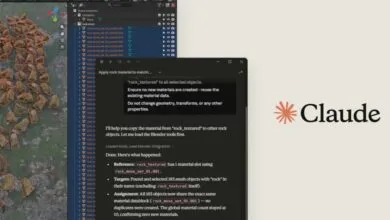
Within each app, users will find a chatbot-like interface where they can describe desired changes using natural language prompts. This approach mirrors the assistants already available in Adobe Express, Acrobat, and Firefly. The capabilities vary by app, but here’s a breakdown of what each new assistant can do.
In Premiere, the AI assistant can sort assets into bins and batch-rename clips based on the content of the footage. It can also identify questions or specific keywords in recorded speech, using them to add markers to your project timeline or even lay out a working starting point for your video. Adobe notes that “the tedious set-up work is taken care of for you,” and that the assistant can assist with anything you do in the Project panel or Timeline.
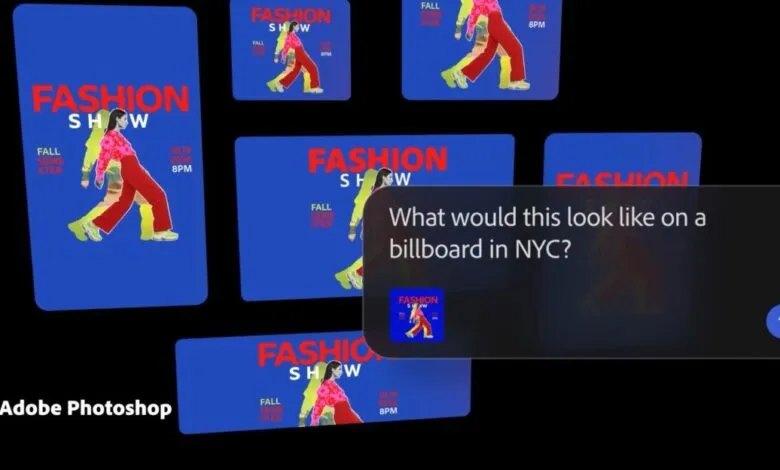
For Photoshop, users can “describe the desired outcome,” a prompt-based editing approach already familiar from Adobe’s Firefly assistant. You can organize layers, switch backgrounds, resize assets for online platforms, and more. This desktop expansion follows the launch of an AI assistant for the web and mobile versions of Photoshop earlier this year.
In Illustrator, the assistant handles multi-step production jobs such as flagging color mode errors or missing fonts, reorganizing layers, and generating multiple versions of design files from a spreadsheet or document. For InDesign, the chatbot can apply print-readiness checks and update copy and styling across every page layout when you upload a new PDF or open an existing template. And in Frame.io, the assistant can surface revision feedback, organize shoot assets, generate B-roll footage, and assist with “creative direction” on your projects.
“Adobe has always been at the center of how the best creative work comes to life, and this is a major expansion of that promise,” said David Wadhwani, Adobe’s head of creativity. “Every creative now has an agent capable of helping them execute across every app and platform where they work so they can set the vision, apply their taste, and make the calls that only they can.”
(Source: The Verge)