Google’s New Android Feature Prevents Storage Full Errors
▼ Summary
– Google is developing an “Automatic backup” feature that copies photos, videos, and audio from a phone directly to a PC without using cloud storage.
– The feature is found within Quick Share settings and allows users to select specific file types for backup.
– It offers both automatic syncing and a manual “Back up now” button for immediate transfers.
– Deleting files from the phone to free up space will not remove the backed-up copies stored on the PC.
– The discovery is based on an APK teardown, meaning the feature is in development and may not be publicly released.
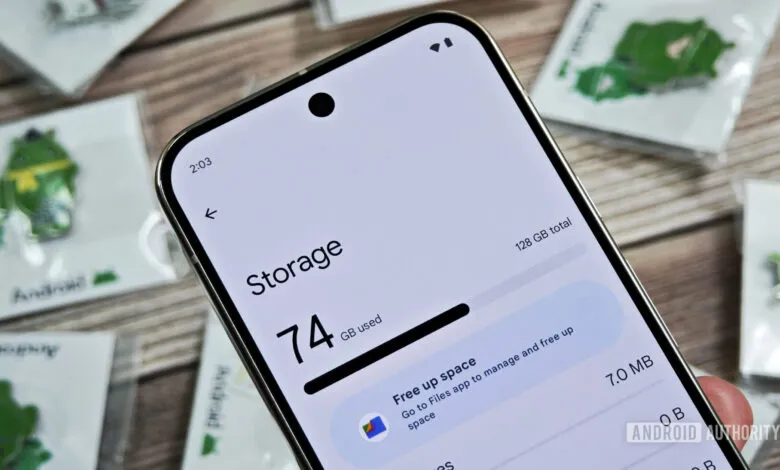
That frustrating “storage full” notification is a modern annoyance many smartphone users know all too well. A new discovery within Google’s software suggests the company is developing a direct solution. An automatic backup feature found in a recent beta version of Google Play Services could allow Android phones to seamlessly transfer files to a personal computer, bypassing the cloud entirely and helping users reclaim precious local storage.
The feature, uncovered during an APK teardown, appears within the Quick Share settings menu. Its description, “Backup your photos with devices in your household,” hints at its purpose. Further screens explain that selected files from a user’s phone would be copied directly to a linked PC. This process would occur automatically without requiring a subscription or using services like Google Photos, keeping data entirely within a user’s local network.
Users would maintain significant control over the function. The settings allow people to choose specific media types for backup, including photos, videos, and audio files captured by the device’s camera. A master toggle lets users enable or disable the automatic syncing. For those who want immediate action, a “Back up now” button is present to manually initiate a transfer at any moment.
A key benefit for managing device storage is the feature’s handling of deletions. If a user removes a photo or video from their phone to free up space, that file would remain safely stored on the computer backup. This addresses a common concern about losing cherished memories when clearing out a device’s internal memory.
As the tool is integrated into Quick Share, it likely operates on the same peer-to-peer transfer technology. This suggests backups would not require an active internet connection, though being signed into the same Google account on both the phone and PC would probably be necessary. While the current interface shows a placeholder image of a Windows computer, the functionality could potentially extend to other desktop operating systems in the future.
This development represents a shift toward more user-controlled, local data management. By enabling direct device-to-device synchronization, Google could provide a simple and cost-free method to prevent storage errors and safeguard personal media.
(Source: Android Authority)