YouTube’s New Video Player & Icons Launch on Android and iOS
▼ Summary
– YouTube has rolled out a comprehensive redesign featuring updated icons with bolder, rounded outlines for improved visibility across the Android and iOS apps.
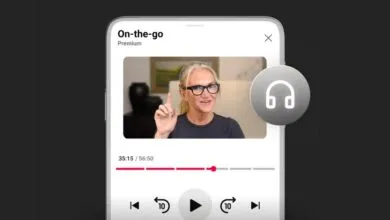
– The video player has been revamped to obscure less content, with a larger landscape button in a circle and modernized Premium controls.
– New like and dislike buttons include dynamic visual effects, such as animated musical notes for music videos or game cues for sports content.
– The landscape player now groups controls in a pill-shaped container and features a cleaner “More videos” button, with no darkened background when paused.
– Additional updates include smoother tab transitions, a simplified playlist saving process, and improved comment threading for easier conversation tracking.
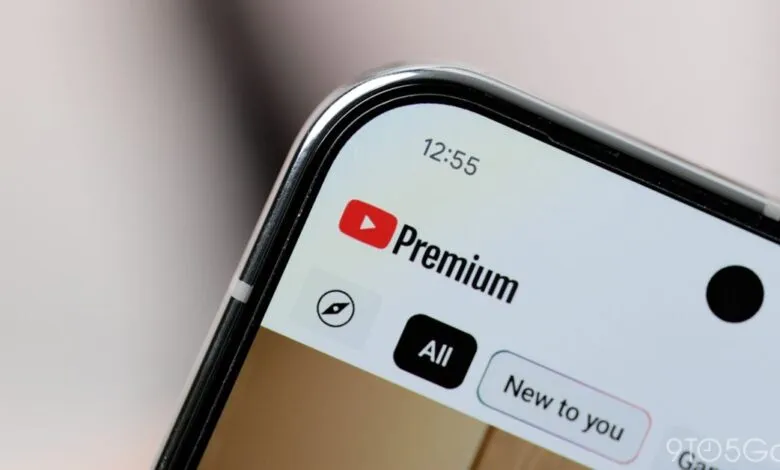
The latest update to the YouTube app for Android and iOS introduces a comprehensive redesign of the video player and icons, enhancing both visual appeal and user interaction. This overhaul focuses on minimizing content obstruction while refreshing the interface with bolder, more rounded icons that improve visibility across the top and bottom bars, as well as within the video player itself.
In portrait mode, users will immediately spot the updated icon set, featuring a larger landscape button enclosed within a circle. Premium controls have also received a modernized look. The like and dislike buttons now display a longer thumb icon, and liking videos triggers unique animated effects tailored to the content, such as a musical note for music videos or game-related visuals for sports clips.
When viewing videos in landscape orientation, the thumbs up/down, comment, save, share, and overflow options are neatly arranged inside a pill-shaped container positioned at the bottom-left corner. A redesigned “More videos” button offers a cleaner appearance, and pausing a video no longer dims the background. Additionally, the double-tap skip feature now uses a more subtle and compact animation, reducing distractions during playback.
Other improvements announced recently include smoother transitions when switching between tabs, with a sliding animation that moves the feed upward. The process for saving videos to playlists or Watch Later has been simplified with a refreshed design, and comment threading now makes it easier to track conversations and replies.
This updated player and icon set is currently rolling out widely to YouTube users on Android and iOS, specifically version 20.42. If the new features are not immediately visible, try force-closing the app and reopening it to access the latest changes.
(Source: 9to5 Google)