Fitbit data now syncs directly with Apple Health
▼ Summary
– Google Health’s 5.05 update lets users connect Fitbit data, including workouts, steps, and vitals, to Apple Health via the “Partner apps” option.
– Previously, only Apple Health data could be imported into Google Health, requiring third-party apps or workarounds for the reverse connection.
– Google Health replaced the Fitbit app in May, facing initial criticism over its AI health coach and interface, with some issues later addressed.
– The update also introduces Smart Health Links in the US, allowing users to share medical records with providers or family via a URL or QR code.
– Smart Health Links are created through the Health tab’s “Medical” section, where users select data to include and share it.
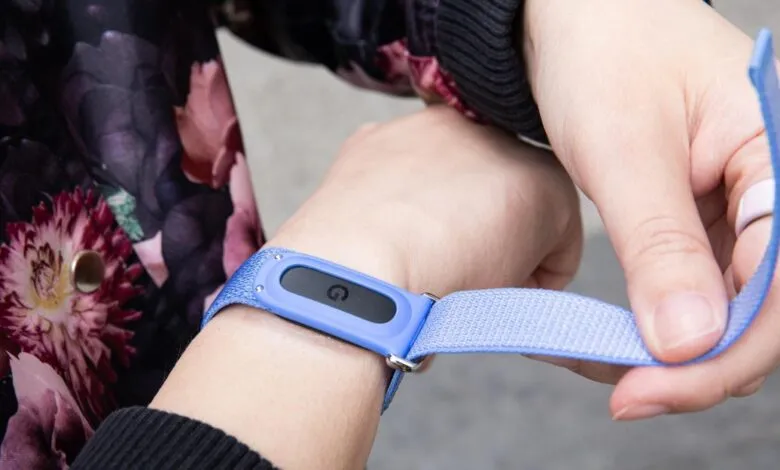
Google has quietly rolled out a significant update that lets Fitbit users push their activity data straight into Apple Health. As first flagged by 9to5Mac, the latest version of Google Health, version 5.05, introduces a new integration path. Simply tap your profile icon, navigate to “Partner apps,” and select Apple Health to establish the connection.
Until now, the data flow was strictly one-way. You could bring Apple Health information into Google Health, but sending your Fitbit metrics back out required a third-party workaround. Apps like Power Sync for Fitbit or Fitbit to Apple Health Sync were the go-to solutions for anyone trying to bridge that gap.
This change comes several months after Google Health officially replaced the Fitbit app back in May. That transition wasn’t exactly smooth. Early adopters voiced frustration over the new AI health coach, a redesigned interface, and various functional hiccups. Google has since patched up some of those issues, and this latest update appears to be part of that ongoing cleanup.
The update also brings a new feature for US users: Smart Health Links. This tool allows you to package and share your medical records with a healthcare provider or a family member. To use it, open the Health tab, jump to the “Medical” section, select “Shareable records,” and hit the plus icon. From there, you decide exactly which data points to include, then generate a shareable URL or QR code for quick and secure access.
For anyone juggling both an Apple Watch and a Fitbit, this direct sync removes a layer of friction that has existed for years. It’s a practical move from Google, acknowledging that users often live across multiple ecosystems and shouldn’t have to rely on clunky third-party apps to make their data work together.
(Source: The Verge)