7 Android Auto Apps You Should Try Today
▼ Summary
– Android Auto provides a seamless interface for using media, navigation, and entertainment apps in your car without needing to sync progress.
– To use Android Auto, you need a compatible vehicle and a smartphone running Android 9.0 or newer, connecting via data cable or Bluetooth.
– The platform primarily supports navigation and music playback through services like Google Maps and Spotify.
– There are dozens of free Android Auto apps available, including many daily-use services that already have built-in support.
– The article recommends trying additional free apps to enhance the driving experience beyond basic navigation and music.
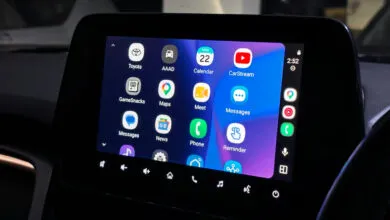
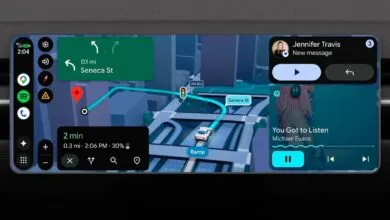
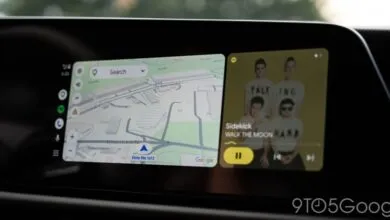
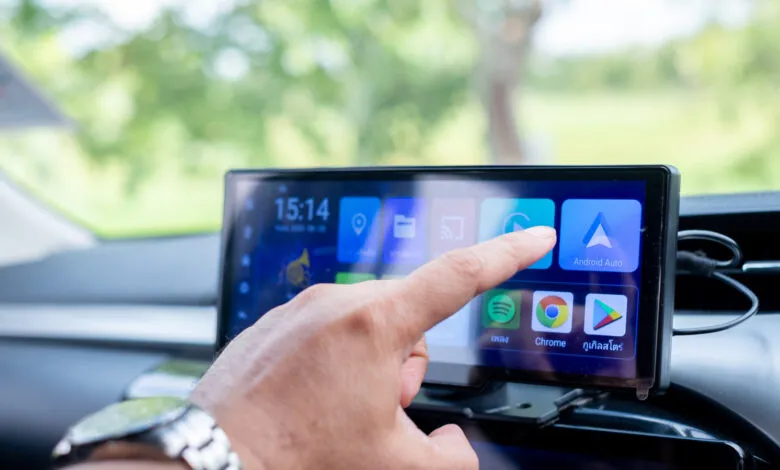
The best way to get more out of your car’s infotainment screen is through Android Auto. It seamlessly integrates your favorite media, navigation, and communication apps, so you never have to worry about syncing progress between your phone and your vehicle. To use it, you just need a compatible car and a smartphone running Android 9.0 or newer. Depending on your car’s setup, you connect via a USB data cable or Bluetooth.
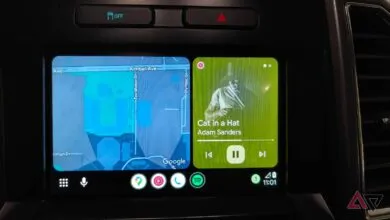
Most drivers stick with Google Maps for navigation and Spotify for music, and those are excellent choices. But Android Auto can do a lot more than just get you from point A to point B while playing tunes. There are dozens of free apps available, many of which you might already use on your phone without realizing they support Android Auto.
If you want to expand what you can do behind the wheel, here are seven free Android Auto apps worth trying. Each one adds something useful to your drive, whether that’s better audio, smarter parking, or more convenient messaging.
(Source: SlashGear)