Apple Rolls Out New Beta Updates for Liquid Glass OS

▼ Summary
– Apple’s new operating systems feature a Liquid Glass aesthetic and standardized year-based version numbering (version 26), with the second developer betas now available.
– Apple provides two beta tracks: developer betas (earlier, buggier) and public betas (more stable, released mid- to late-July).
– Developer betas were previously behind a $99/year paywall but are now free for anyone with a developer account.
– Users can install betas via Settings > General > Software Update, selecting Beta Updates, with options for both developer and public betas listed.
– Public betas align with later developer beta versions (third or fourth) and offer a more stable experience closer to the final release.
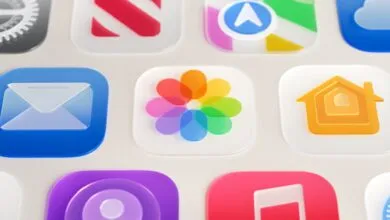
Apple has launched fresh beta updates for its upcoming Liquid Glass operating systems, giving developers and enthusiasts an early look at the redesigned platform. These second-generation developer betas cover iOS 26, iPadOS 26, macOS 26, and other key software releases, marking the first time Apple has adopted a unified year-based version numbering system across its ecosystem.
For those unfamiliar with Apple’s beta testing process, the company operates two distinct tracks. Developer betas arrive first, offering early access to new features but often with more instability and frequent changes between releases. Public betas, which typically roll out later in July, provide a more polished experience, usually aligning with the third or fourth developer beta iteration. Once public testing begins, updates for both tracks generally sync up, though developer builds still tend to arrive slightly ahead.
Historically, Apple restricted developer beta access to paid members of its developer program, which costs $99 annually. While this fee still applies for those distributing apps on the App Store, the company now allows anyone with a free developer account to download these early builds.
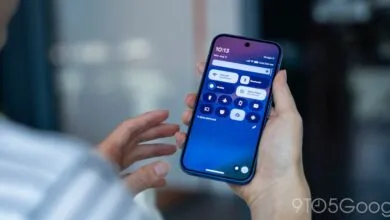
Installing the betas is straightforward. Users can either perform a clean install using restored system images or update directly through their device settings. By navigating to Settings > General > Software Update, then selecting Beta Updates, testers can choose between available developer or public beta versions. Those enrolled in both programs will see all options listed separately for easy access.
These updates provide a crucial testing ground for developers adapting to Apple’s new Liquid Glass design language while giving power users a sneak peek at the changes coming later this year.
(Source: Ars Technica)