Apple Unveils macOS Tahoe 26.2 Beta 1 for Developers
▼ Summary
– Apple released the first public beta of macOS Tahoe 26.2 and new public betas of macOS Sequoia 15.7.3 and macOS Sonoma 14.8.3 on November 7.
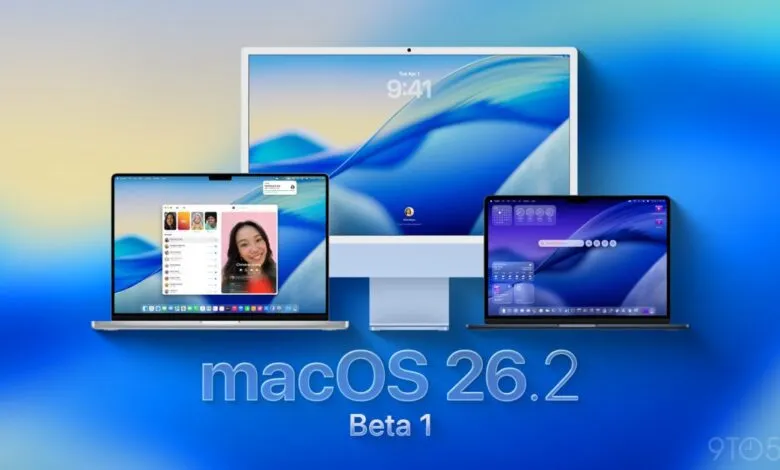
– The company also launched macOS Tahoe 26.2 developer beta 1, following the official release of macOS Tahoe 26.1.
– This beta continues Apple’s efforts to integrate Anthropic’s MCP support and expand Image Playground to more third-party models beyond ChatGPT.
– The build number for the developer beta is 25C5031i, and the article notes that further discoveries from the beta will be reported later.
– Instructions for installing the beta include backing up your Mac, navigating to System Settings, and selecting the macOS Developer Tahoe Beta from Beta Updates.
Apple has officially launched the first developer beta of macOS Tahoe 26.2, marking the next step in its operating system evolution. This release arrives shortly after the public debut of macOS Tahoe 26.1, signaling Apple’s ongoing commitment to refining and expanding its software ecosystem. Alongside this new beta, Apple has also made available public betas for macOS Sequoia 15.7.3 and macOS Sonoma 14.8.3, providing a range of testing opportunities for users at different levels.
The primary focus of macOS Tahoe 26.2 appears to be the continued integration of advanced AI and machine learning capabilities. Apple is actively working to incorporate Anthropic’s MCP support across its entire platform lineup, a move that promises to enhance how applications interact with AI services. Additionally, the company is broadening access to its Image Playground feature, aiming to support a wider array of third-party models beyond the current ChatGPT integration. This expansion could significantly boost creative and productivity tools available to Mac users.
The current build being distributed to developers carries the identifier 25C5031i. As with any beta release, this version is intended for testing and development purposes only, and it may contain unfinished features or unexpected bugs. Developers and testers are encouraged to explore the new build thoroughly and report any issues they encounter to help improve the final public release.
For those ready to install the macOS Tahoe 26.2 developer beta, the process is straightforward. First, ensure you have a complete backup of your Mac to safeguard your data. Next, open System Settings and navigate to the General section, then select Software Update. Click the information icon located beside Beta Updates, and from the dropdown menu in the upper-right corner, choose the macOS Developer Tahoe Beta option. Finally, select ‘Done’ to begin the download and installation. It is crucial to remember that beta software can be unstable, so installing it on a secondary device or partition is highly recommended.
As the developer community digs into this new beta, many will be watching for performance improvements, new APIs, and any under-the-hood changes that could influence future app development. Early testers who notice significant alterations or new features are encouraged to share their findings, contributing to a collaborative effort to polish the software ahead of its general availability.
(Source: 9to5Mac)