Android’s Desktop Mode Leaks: New Features & Chrome Extensions Revealed
▼ Summary
– A Google bug report for Chrome inadvertently leaked the first look at a desktop interface for Android, codenamed “Aluminum OS” (ALOS).
– The leak shows the interface running on a Chromebook with an Intel processor, indicating Google is using existing hardware for development.
– The status bar is taller and optimized for large screens, displaying time, date, and system icons like a battery and Wi-Fi indicator.
– The interface features a familiar taskbar and a modified mouse cursor, while window controls resemble those found in ChromeOS.
– The demo includes split-screen multitasking and a Chrome browser with an Extensions button, a feature typically limited to desktop browsers.
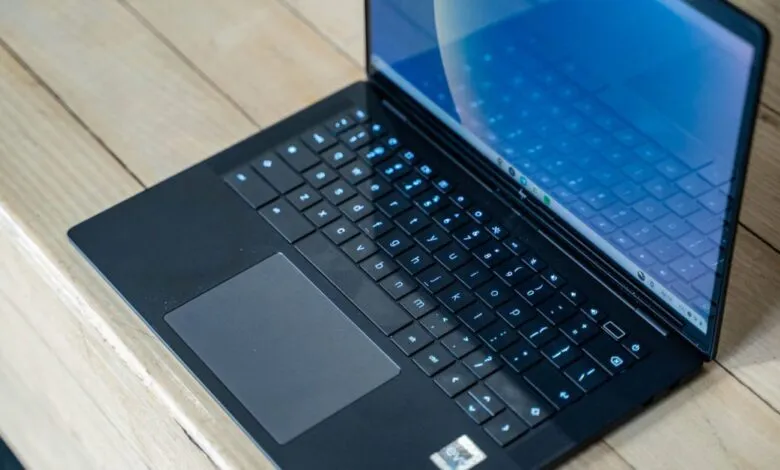
A recent entry on Google’s Chromium Issue Tracker has provided an unexpected first look at the company’s upcoming desktop interface for Android. The leak, originating from a bug report concerning Chrome Incognito tabs, included two revealing screenshots. These images were captured on an HP Elite Dragonfly 13.5 Chromebook, specifically the model identified internally as “Brya (Redrix).” This device, which features a 12th Gen Intel Core processor, is reportedly running a build of “ALOS” or Aluminum OS, the internal codename for the desktop version of Android. The build number ZL1A.260119.001.A1 and other references in the footage point to this being a version of Android 16, indicating Google is utilizing existing Chromebook hardware to develop the new platform.
The visuals show a user interface clearly designed for larger displays. The status bar is notably taller than those found on tablets or phone-projected desktop modes. It displays the time with seconds and the date on the left, while the right side houses icons for battery, Wi-Fi, notifications, keyboard language, Gemini, and a screen recorder. The mouse cursor appears with a subtle tail, a small but distinct modification from current designs. The taskbar, however, looks familiar and closely matches what is available today.
A significant revelation in the screenshots is the appearance of the Google Chrome browser with an Extensions button. This functionality is a hallmark of desktop browsers and has not been available in Android’s large-screen versions until now. The interface also demonstrates split-screen multitasking, a crucial feature for productivity on bigger screens. The window management system shown appears largely consistent with current designs, placing the app name on the left and familiar minimize, fullscreen, and close buttons on the top-right, drawing a clear parallel to the ChromeOS experience.
This leak offers a tangible glimpse into Google’s efforts to create a cohesive desktop environment within Android, moving beyond simple screen mirroring. The inclusion of Chrome extensions and refined system interfaces suggests a focus on creating a robust, productivity-oriented workspace that could potentially bridge the gap between mobile and desktop computing, leveraging the extensive Android app ecosystem in a new context.
(Source: 9to5Google)