Google App Now Replaces Pixel Launcher Search
▼ Summary
– Google has intentionally changed the Pixel Launcher search bar to open a fullscreen Google app experience, as announced in a November 2025 update.
– This new interface replaces the previous translucent Pixel Launcher search sheet and is the same experience found on other Android devices.
– The change removes direct app search and shortcuts for several system apps like Settings, Contacts, and Wallet.
– Google’s stated goal is to provide quicker access to its AI Mode and past AI queries, along with more suggested apps.
– Users can still access the old Pixel Launcher search via the app grid or a “Swipe up” gesture, but the change is seen as a functional and visual regression.
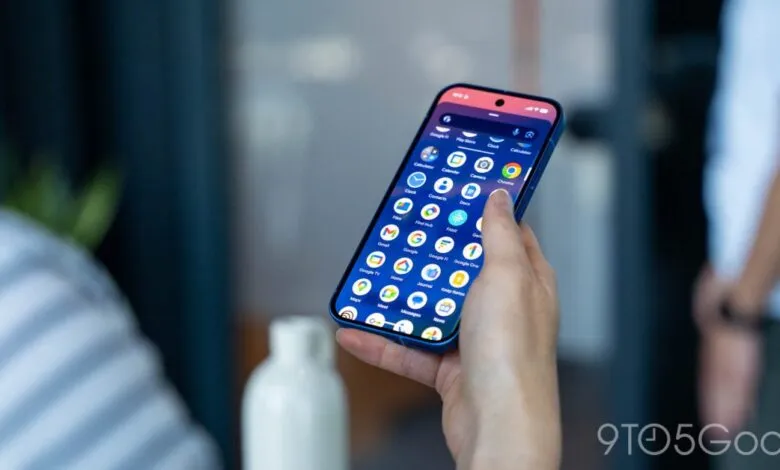
A recent update for Pixel devices has quietly replaced the familiar Pixel Launcher search interface with the full-screen Google app experience. This intentional shift, confirmed by Google, represents a significant change in how users interact with their home screen search bar. While designed to provide faster access to certain AI features, the move has altered functionality and visual design for many long-time Pixel users.
Previously, tapping the search bar on the Pixel home screen would open a translucent overlay. This design kept your wallpaper partially visible and presented a clean interface for searching both your device and the web. It included app suggestions and recent queries in a modern layout. Now, that action launches the full-screen Google app search page. This is the same experience found on other Android devices using the Google Search widget and is identical to opening the Google app directly.
The core ability to search the web remains, but the integration with the device itself has changed. You lose the ability to search for specific apps on your phone directly from that bar. Additionally, quick shortcuts for system apps like Clock, Contacts, Settings, and Wallet are no longer available through this method. Google has framed this update as an enhancement, announcing it as “An upgraded home screen search bar” in a recent Feature Drop. The stated goal is to provide easier access to AI Mode, Google’s advanced AI search experience, directly from the home screen.
This presumably refers to a dedicated button within the new interface. The update aims to let users quickly start or resume AI-powered search journeys and promises more suggested apps in the results. The primary benefit seems to be more immediate access to past AI Mode queries. However, this functionality could arguably have been integrated into the existing, more modern Pixel Launcher search design without a complete overhaul.
For many, this change feels like a step backward in both visual appeal and practical utility, unless the Google app’s search page receives a substantial visual update to match Pixel’s design language. There are still ways to access the older search style. The traditional app search remains available via the search bar at the top of the app drawer. Users can also re-enable “Swipe up to start search” in settings to trigger the original Pixel Launcher search, though this requires retraining established muscle memory for accessing the search function.
(Source: 9to5 Google)