Pixel Screenshots expands beyond on-device AI processing
▼ Summary
– Pixel Screenshots version 1.26.134.11 changes its on-device AI processing to also allow cloud processing in a “secure, isolated environment.”
– The cloud processing uses Google’s Private AI Compute, which employs hardware-secured enclaves and encryption to prevent Google from accessing user data.
– Previously all processing was on-device, but the app can now process screenshots manually when offline, indicating it still uses on-device models.
– Magic Cue and Recorder already use Private AI Compute for features like timely suggestions and summarizing transcriptions in more languages.
– The update is not widely rolled out yet and follows recent additions like NotebookLM integration and Read aloud for articles.
Pixel Screenshots is expanding beyond purely on-device AI, now incorporating cloud processing to enhance its capabilities. This shift mirrors the approach taken by Magic Cue late last year, marking a significant evolution in how Google handles user data for intelligent features.
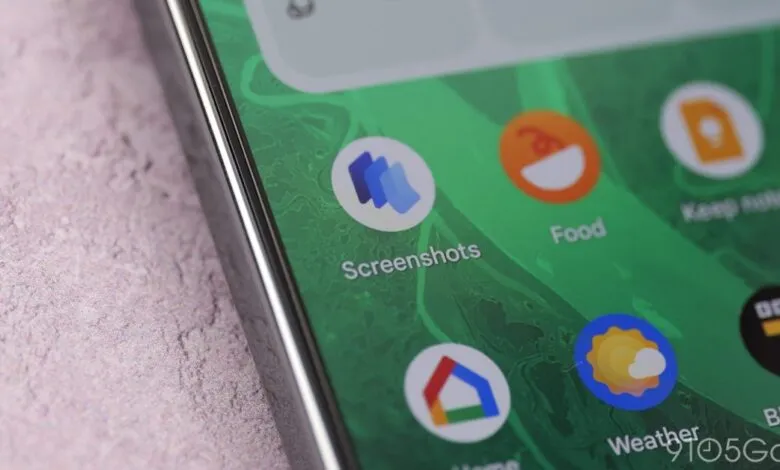
A new update, version 1.26.134.11, is rolling out and introduces a subtle but important change in settings. The previous option, “Search your screenshots with on-device AI,” has been renamed to “Search your screenshots with AI.” The accompanying description now reads: “Data used by Screenshots is protected in a secure, isolated environment on your device or in the cloud.” This confirms that processing can now occur remotely, whereas all analysis was previously confined to the device itself.
The phrase “secure, isolated environment” strongly points to Private AI Compute, a technique Google announced in November. This system is designed to “bring you intelligent AI experiences with the power of Gemini models in the cloud, while keeping your data private to you.” Critically, Google cannot access this information. Private AI Compute relies on a fully integrated Google stack, from Tensor Processing Units to Titanium Intelligence Enclaves, with your phone connecting to a hardware-secured sealed cloud environment through remote attestation and encryption.
Magic Cue adopted this cloud-based approach last year to deliver “more timely suggestions,” and Recorder also uses it to “summarize transcriptions across a wider range of languages.” For Pixel Screenshots, the move is framed as a way to “help you get even more from your screenshots,” though Google has not provided specific examples of what this will entail. Additional strings in the update state: “To help you get even more from your screenshots, Pixel Screenshots now processes your information in a secure, isolated environment on your device or in the cloud.”
Despite this cloud integration, Pixel Screenshots still relies on on-device models. Users can manually process a screenshot even when their phone is offline, ensuring functionality without an internet connection.
The update is not yet widely available. The most recent public rollout included NotebookLM integration, Read aloud for articles, and Material 3 Expressive tweaks. Meanwhile, Magic Cue is also evolving: Google announced with the June 2026 Drop that Pixel 10 users will soon receive “contextual, time-saving suggestions” directly within Snapchat conversations.
(Source: 9to5google.com)