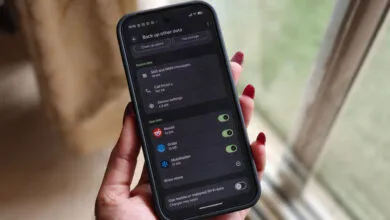
Hidden Android Setting You Should Enable on Every Phone

▼ Summary
– A useful Android setting is currently not enabled by default on phones.
– This specific setting is somewhat hidden within the system’s menus.
– The author believes Google should activate this setting by default in the future.
– The recommendation is specifically for upcoming Android phone models.
– The author expresses a strong personal preference for this change.
While many Android features are prominently displayed, one of the most beneficial for user security remains tucked away in the settings menu. This powerful option should arguably be a default setting on every new device, yet it currently requires users to seek it out and activate it themselves. The setting in question is the ability to require device authentication before auto-filling sensitive information from password managers or other services.
Often, when an app or website prompts for a login, your password manager can automatically populate the fields. This is incredibly convenient, but it also presents a potential security gap. If your phone is unlocked, anyone with physical access could open an app and instantly gain access to your saved credentials. The autofill authentication setting closes this loophole. When enabled, it mandates a fingerprint scan, facial recognition, or PIN entry before any private data is submitted into a form. This adds a crucial second layer of defense, ensuring that even an unlocked device doesn’t freely give up its secrets.
Activating this feature is straightforward. Navigate to your phone’s main Settings app, then find and select Languages & input. From there, look for the Advanced section and tap on Autofill service. Choose your preferred service, such as Google Password Manager or a third-party app like LastPass. Within its settings, you should locate the option labeled Autofill with device authentication or something very similar. Simply toggle this switch on. The exact path may vary slightly depending on your device manufacturer and Android version, but the core setting is present in most modern builds.
Beyond just passwords, this setting can protect payment details, addresses, and other personal data your autofill service manages. It represents a simple yet profound shift from mere convenience to controlled convenience. You maintain the speed of automated logins, but only after verifying you are the authorized user. In a world where our phones contain the keys to our digital lives, taking this extra step is a minor habit change for a major security upgrade. Making this the standard would help protect millions of users who might not otherwise know the option exists.
(Source: Android Authority)