Samsung Galaxy S26 Adds Native AirDrop Support
▼ Summary
– Samsung is adding AirDrop support to its Quick Share feature, starting with the Galaxy S26 series.
– The feature rollout begins in Korea, with the US and other global regions to follow at a later date.
– This enables Galaxy S26 owners to share files wirelessly with Apple devices.
– Samsung is the second Android brand with native AirDrop support, following Google’s implementation on Pixel devices.
– Users must manually enable the feature in Settings and set sharing to “Everyone” on both devices for it to work.
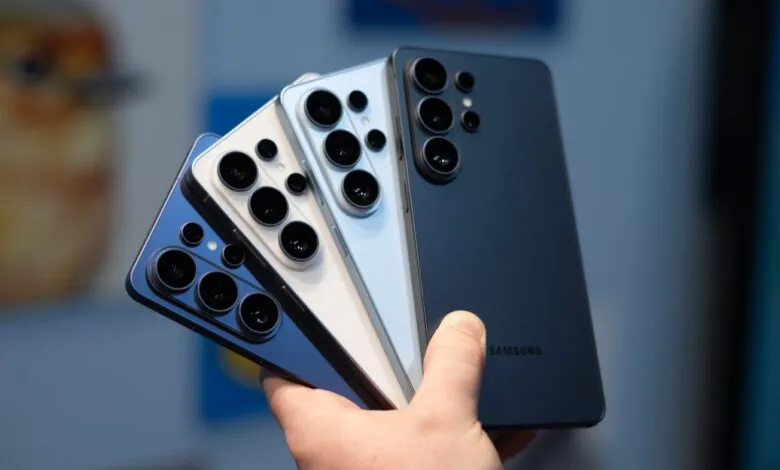
Samsung is integrating native AirDrop compatibility into its Quick Share platform, beginning with the upcoming Galaxy S26 lineup. This strategic update enables seamless file transfers between Samsung and Apple devices, marking a significant step toward broader cross-platform interoperability. The feature is launching first in South Korea, with a rollout to the United States scheduled for later this week. Samsung has confirmed plans to expand availability to additional regions and older Galaxy models in the future, including markets across North America, Latin America, Europe, and parts of Asia.
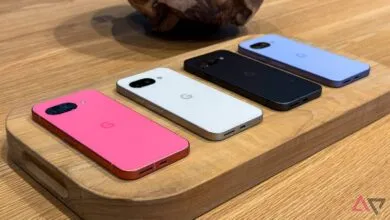
Owners of the Galaxy S26, S26 Plus, and S26 Ultra will gain the ability to share photos, documents, and other files directly with iPhones, iPads, and Macs using a fast, local wireless connection. With this move, Samsung becomes the second major Android manufacturer to offer built-in support for Apple’s proprietary sharing protocol. Google pioneered this functionality for the Android ecosystem last year by developing its own interoperability layer, which debuted on the Pixel 10 series before reaching older Pixel 9 devices.
The AirDrop feature on Galaxy phones is not automatically turned on. To activate it, users must navigate to their device settings, select Connected devices, then enter the Quick Share menu. A new option labeled “Share with Apple devices” will be present. Tapping this reveals a toggle switch and a brief informational note. The setup requires both the sending Samsung device and the receiving Apple device to have their respective sharing permissions configured to “Everyone” for the transfer to proceed successfully. This ensures a straightforward, user-controlled sharing process while maintaining clear privacy parameters.
(Source: The Verge)