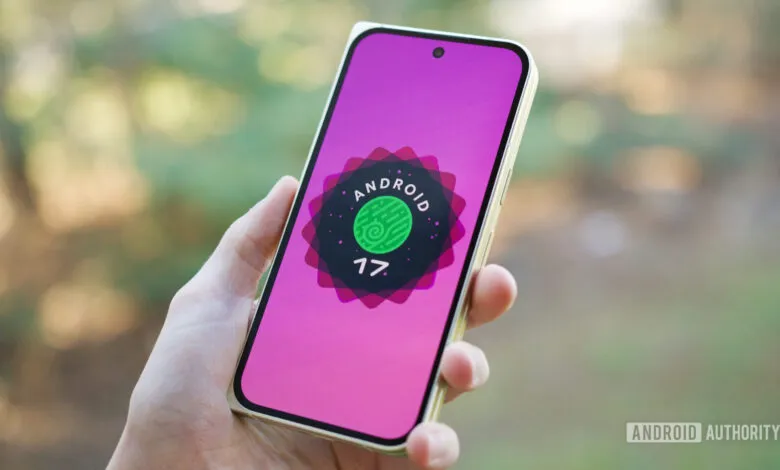
Android 17 Beta 1’s 2 Best Features Make Android 16 Feel Outdated
▼ Summary
– Android 17 Beta 1 is a relatively small update, but it introduces two significant user-facing features for the home screen.
– Users can now remove the persistent At a Glance widget from the home screen, freeing up space while keeping it on the lock screen.
– The Google Search bar on the home screen now has customization options for its theme, transparency, and shortcut.
– The author highlights that these two features address long-standing complaints about Pixel home screen flexibility.
– More features, like a redesigned notification panel and App Lock, are expected in future Android 17 beta releases.
The initial release of Android 17 Beta 1 may seem modest, but it delivers two highly anticipated features that significantly improve the Pixel home screen experience. These changes address long-standing user frustrations, offering a level of control that makes the previous version feel restrictive. While more substantial updates are expected in future betas, these early enhancements are already proving to be game-changers for daily use.
The first major improvement is the newfound ability to remove the At a Glance widget from the home screen. For years, this persistent element has been a fixed part of the Pixel interface, occupying the top row regardless of user preference. While the information it provides, like weather, calendar events, and travel details, is genuinely useful on the lock screen, its mandatory placement on the main home screen has been a common complaint. Android 17 Beta 1 finally provides a toggle to disable it, freeing up valuable screen real estate for apps and other widgets. This simple option empowers users to design their home screen layout exactly how they want, without losing At a Glance functionality on the always-on display or lock screen.
Equally impactful is the introduction of deep customization for the Google Search bar. Previously, the search bar anchored at the bottom of the screen was a static, unchangeable element. Now, a long-press reveals a “Widget settings” menu that unlocks a suite of personalization choices. Users can adjust the bar’s theme with custom colors, modify its transparency, and, most notably, change its dedicated shortcut. You can set it to quickly access News, your Saved items, or choose to remove the shortcut entirely for a cleaner look. This brings the Pixel’s built-in search bar in line with the customizable Google Search widget, resolving an inconsistency that never made much sense.
These two features alone represent a meaningful shift toward user preference. The option to declutter the home screen by removing At a Glance and the ability to tailor the search bar’s appearance and function provide a sense of ownership that was missing. It’s a clear response to community feedback, making the interface feel more personal and less dictated by default settings.
Looking ahead, Android 17 is poised to introduce more significant changes. A redesigned notification panel, a universal clipboard, and a new App Lock feature are among the expected additions in later beta builds. The current beta is just the starting point, but it sets a promising tone by tackling specific, everyday pain points. For many users, these initial tweaks to home screen flexibility will be reason enough to appreciate the direction of the new OS.
(Source: Android Authority)