Meta revamps cross-app management system
▼ Summary
– Meta announced an improved Meta Account system to simplify sign-in and management across its apps and devices, rolling out over the next year.
– A single Meta Account password can be used for all Meta services, protected by Passkeys using biometrics or device passwords.
– The system provides centralized management of settings like passwords, two-factor authentication, and email, eliminating the need to update them separately.
– Parents can use the Family Center dashboard to supervise teens’ settings across Instagram, Facebook, Messenger, and Meta Horizon in one place.
– Users are not forced to link all accounts; they can keep logins separate and add or remove accounts from the Meta Account at any time.
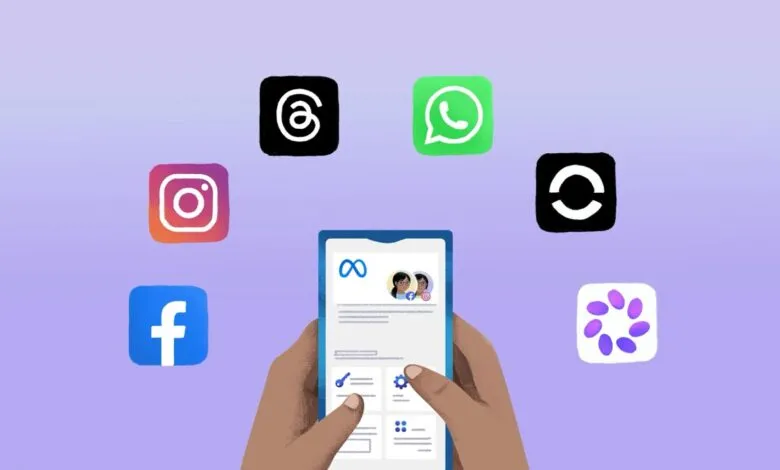
Meta announced on Thursday an upgraded Meta Account system built to simplify how users sign in and manage their accounts and devices across its growing ecosystem.
The Meta ecosystem now spans so many products that it can feel overwhelming. Users often juggle separate logins for Facebook, WhatsApp, Meta AI glasses, and more. While the existing Accounts Center already helps unify this experience, the new Meta Account system aims to take simplification a step further. The company confirmed this update will begin rolling out over the next year.
With a Meta Account, users can opt to create a single password that works across all their Meta apps. These logins can also be secured with Passkeys, which rely on fingerprints, face recognition, or device passwords for access. Meta added that the Meta Account will include security recommendations to keep users current with multi-factor authentication, along with login alerts spanning all their devices.
“Settings that apply across Meta apps and devices are managed in one place through your Meta Account , similar to how Accounts Center works today,” the company wrote in a blog post. “Now, more settings can be centrally managed this way, including your password, two-factor authentication, and the email address associated with your account. Because these don’t change from app to app, you shouldn’t have to update them separately.”
The Meta Account also makes it easier for parents to supervise teens’ activity across apps without switching between them. From the Family Center dashboard on Meta Account, parents can manage settings for Instagram, Facebook, Messenger, and Meta Horizon all in one place.
“Settings that are specific to an app remain managed independently so you can also tailor your experiences for each. These kinds of choices are personal to how you use each app, so they live right where you’d expect: inside the app itself,” Meta explained. “For example, who can see your Facebook posts is a Facebook setting. Similarly, whether someone can tag you in a photo on Instagram is an Instagram setting.”
The Meta Account setup does not require users to link every account. Anyone who prefers to keep their logins separate can do so. Users can also add or remove accounts from the Meta Account at any time.
(Source: TechCrunch)