Unlock 5 Genius Ways to Use Wireless HDMI
▼ Summary
– Wireless HDMI adapters replace physical cables to transmit video wirelessly, reducing clutter and enabling screen sharing.
– Their primary use is in homes and offices for sharing content from laptops to larger displays for streaming or presentations.
– They are capable of transmitting high-quality video, typically at Full HD 1080p and often 4K resolution.
– These adapters are easy to set up with plug-and-play functionality and have a transmission range exceeding 300 feet.
– They can replace HDMI cables in any existing setup and also enable creative, alternative applications beyond basic use.
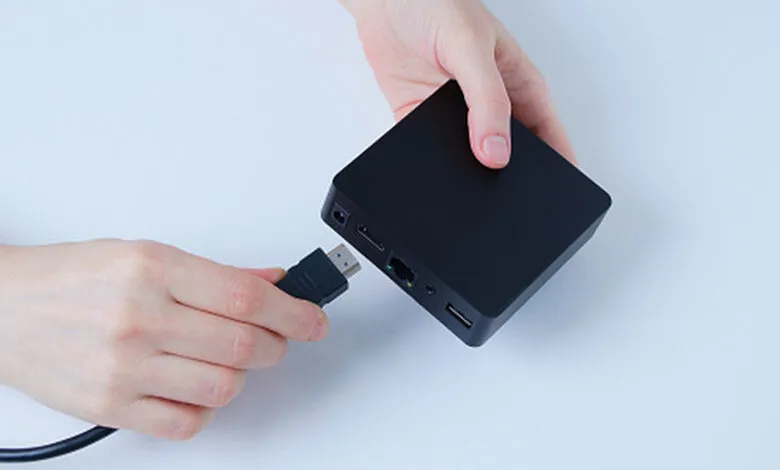
Wireless HDMI technology offers a powerful solution for transmitting high-definition audio and video signals without the constraints of physical cables. These compact adapters create a direct wireless link between a source device, like a laptop or gaming console, and a display such as a television or projector. This functionality is a game-changer for decluttering entertainment centers and conference rooms, enabling seamless screen mirroring for everything from streaming films to delivering business presentations. However, the potential of these devices extends far beyond these common scenarios.
One of the most compelling creative uses is for immersive gaming setups. Gamers can liberate themselves from being tethered directly to their TV. By placing the transmitter on a console or PC across the room, you gain the freedom to play from a more comfortable couch or chair without sacrificing video quality or introducing noticeable lag, provided you select a low-latency model. This transforms a static gaming station into a flexible entertainment hub.
These adapters are also perfect for creating dynamic digital signage or art displays. Instead of dealing with long, unsightly cables snaking across a retail store, gallery, or restaurant, you can discreetly place a media player and use a wireless HDMI kit to send content to a screen mounted on a distant wall. This allows for easy content updates and a clean, professional installation that can be reconfigured without the hassle of rewiring.
For educators and trainers, wireless HDMI unlocks new possibilities in the classroom or workshop. An instructor can move freely around the space with a laptop, wirelessly casting diagrams, videos, or live demonstrations onto a main screen for all students to see. This interactive approach fosters greater engagement and makes it easier to maintain eye contact with the audience, rather than being anchored to a podium.
In a home theater environment, these devices solve the common problem of connecting a media streamer or Blu-ray player that’s tucked inside a cabinet to a projector mounted on the ceiling. Running a long HDMI cable through walls or ceilings is often a complex, invasive task. A wireless HDMI system provides a neat and effective workaround, delivering pristine video and audio to the projector without any permanent installation or cable runs.
Finally, consider their utility for live event production and house of worship settings. They can serve as a reliable backup video feed or be used to send a camera’s output to a monitor in a different part of the venue. Their plug-and-play design and substantial range make them ideal for temporary setups where running cables is impractical or unsafe. With a bit of imagination, the humble wireless HDMI adapter becomes a versatile tool for simplifying connections and enabling creative audiovisual solutions in nearly any environment.
(Source: BGR)