Samsung Galaxy update revamps dark mode, but not for all users
▼ Summary
– One UI 8.5 is rolling out, and some users report that dark mode in Google apps now shows more gray backgrounds.
– Dark mode implementation varies by company: Google uses non-black dark tones, Apple uses black, and Samsung previously mixed both.
– The color change is not universal, as some devices like the Galaxy Z Fold 7 show no difference after updating.
– The issue stems from Samsung changing how it applies Material You color accents, with a new default tone affecting users who haven’t customized settings.
– Disabling Material You theming causes the lighter gray shade in some apps, while enabling it restores darker dark mode colors.
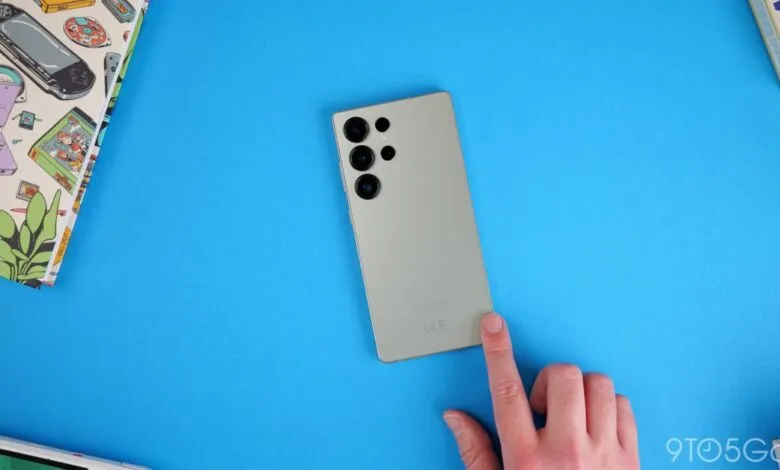
One UI 8.5 has officially begun rolling out after a lengthy beta period, but early adopters are noticing a change in how dark mode renders across certain applications. While the feature has been a staple on mobile devices for years, each manufacturer approaches it differently. Google has long favored grayish tones over pure black, while Apple commits to deep, black backgrounds. Samsung previously landed somewhere between the two, with some apps displaying true black and others leaning toward softer grays.
Now, with the One UI 8.5 update, users report that these shades have shifted, particularly within Google apps. The new dark mode is being described as “inconsistent,” with noticeably lighter gray backgrounds appearing in several areas.
Interestingly, this change is not universal. Screenshots circulating online show an unappealing, washed-out gray in dark mode on Google apps, yet our own Galaxy Z Fold 7, which recently updated from One UI 8.0 to 8.5, does not exhibit the same issue.
So what explains the discrepancy? It comes down to the color palette setting.
It appears Samsung has altered how it applies Material You accent colors, which it calls the “color palette” on One UI. A new default tone has been introduced, and for users who never customized their palette, this results in a slightly different visual appearance. Some have discovered that reverting to the previous default, through more advanced settings, restores a more consistent dark mode experience across One UI 8.5.
For those who enable Material You theming throughout the interface, dark mode works as expected, with darker tones in both Samsung and Google apps. However, turning it off introduces the lighter shade in certain apps. Not everyone wants to use Material You colors system-wide, though Samsung, like Google, does provide static, simple color options as an alternative.
(Source: 9to5google.com)