Microsoft’s Control Panel overhaul faces delays
▼ Summary
– Microsoft began attempting to remove the Control Panel with Windows 8 in 2012.
– The company is still migrating its functions to the modern Settings app in Windows 11.
– Complete removal is complicated due to the risk of breaking legacy devices and drivers.
– A Microsoft design director cited network and printer compatibility as a key concern.
– This explanation marks a rare, full public account of the removal challenges.
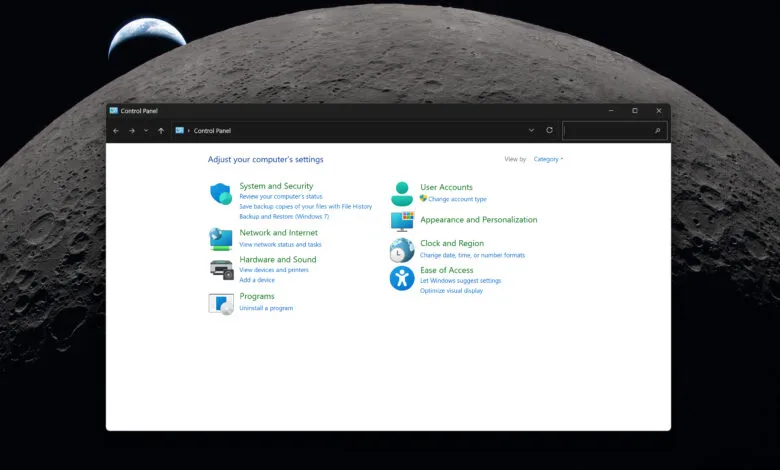
For over a decade, Microsoft has been working to phase out the classic Control Panel in favor of its modern Settings app. This effort began with Windows 8 in 2012 and continues today in Windows 11, yet the transition remains incomplete. Despite periodic hints that the old interface might finally disappear, the process is proving to be a complex technical challenge for the company.
The primary hurdle involves ensuring compatibility with a vast ecosystem of hardware and software. Microsoft must migrate numerous legacy functions without disrupting critical systems. As March Rogers, partner director of design at Microsoft, explained, the team is proceeding cautiously due to the sheer volume of network and printer devices and drivers that could be affected. A misstep in this migration could break essential functionality for many users.
This careful approach underscores why the Control Panel overhaul has faced such significant delays. The company is balancing modernization with the need to maintain stability for countless configurations. While the eventual goal is a unified settings experience, the legacy system persists because its underlying components are deeply embedded in the Windows architecture. The full removal of the Control Panel is therefore not a simple visual update but a meticulous engineering project that prioritizes reliability over speed.
(Source: The Verge)