Steam Deck’s New Screen-Off Mode Saves Power During Downloads
▼ Summary
– The Steam Deck now has a beta feature allowing downloads to continue with the screen off, accessible by opting into the beta update channel.
– Users can choose to continue downloads or go to sleep when putting the device to sleep, or it activates automatically after idle timeout.
– A status screen appears to show download progress when buttons are pressed, and it switches to normal sleep mode if battery drops below 20% on battery power.
– The feature is enabled by default when plugged in and can be turned on for battery use in the Power settings menu.
– This update also includes fixes for SteamOS updates and Remote Play performance graph issues.
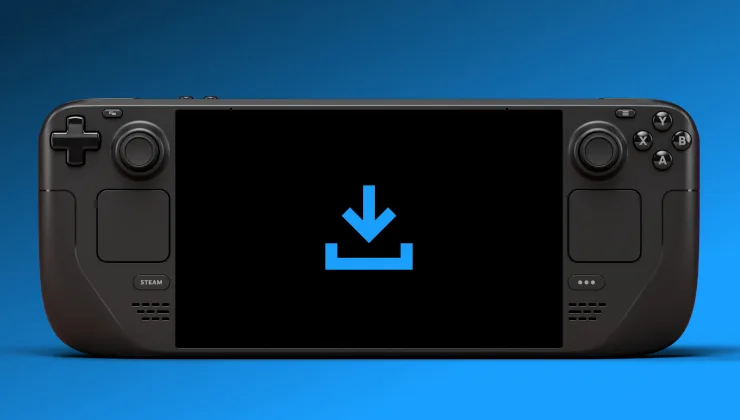
A highly anticipated feature for the Steam Deck is now accessible in Beta, letting users download games with the screen completely off to conserve energy. This long-awaited functionality is available through the system update channel in settings, providing a way to test it before its full release.
Enabling the feature is straightforward. When you choose to put the Steam Deck to sleep, a prompt appears asking whether to continue downloading or enter sleep immediately. Alternatively, the device will automatically switch to this mode after a period of inactivity.
While in this special low-power state, pressing any button or moving a control stick brings up a status screen that displays download progress. If the system is running on battery and power drops below 20%, it will automatically shift into standard sleep mode to preserve remaining charge.
New settings for display-off downloads are located in the Power menu. By default, this option is turned off for battery operation, but it can be enabled manually. The feature is especially useful when the Steam Deck is connected to a power source.
The Beta and Preview channels include this update with the following key changes:
- Display-Off Low Power Downloads: Introduces a new mode that lets the Steam Deck finish all active downloads in a low-power, screen-off state before going to sleep.
- Additional improvements address issues with SteamOS updates not following HTTP proxy configurations and fix a regression where the performance graph was missing during Remote Play streaming.
It’s impressive to see this functionality arrive, demonstrating Valve’s ongoing commitment to enhancing the Steam Deck experience.
(Source: Gaming on Linux)