Amazon’s Send to Alexa Plus Boosts Kindle Scribe Productivity
▼ Summary
– Amazon is launching a “Send to Alexa Plus” feature for Kindle Scribe devices, allowing notes and documents to be sent to an AI assistant for summarization, task creation, and brainstorming.
– The feature excels at turning information into actionable items, accurately summarizing handwritten notes and PDFs to create calendar events, reminders, and logistics.
– It effectively answers questions about documents, extracts specific details from context, and can identify missing information to improve notes.
– The tool has limitations in depth and nuance, sometimes missing subtle distinctions and struggling to generate detailed outlines without multiple attempts.
– While imperfect, the feature is genuinely useful and gives Amazon a competitive edge, making the Scribe easier to recommend for users already within Amazon’s ecosystem.
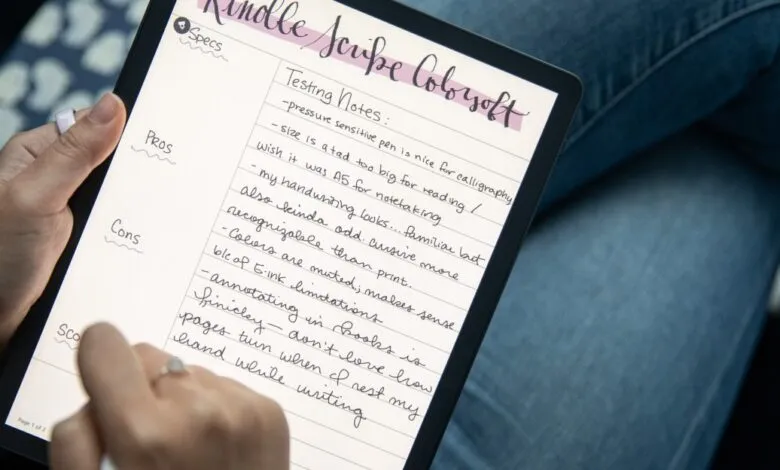
Amazon’s new Send to Alexa Plus feature is now available for the latest Kindle Scribe and Kindle Scribe Colorsoft models, significantly boosting the device’s utility for productivity and organization. This tool allows users to send handwritten notes or documents directly to the AI-powered Alexa Plus assistant, which can then process the content in several practical ways. The assistant can create concise summaries, generate actionable to-do lists, schedule calendar events, set reminders, assist with brainstorming sessions, and offer structured project guidance.
After a day of testing, primarily for managing caregiving responsibilities, the feature proved largely beneficial despite a few constraints. Its greatest strength lies in transforming raw information into clear, actionable steps. It accurately condensed handwritten notes and PDF documents, even when they used various templates or challenging ink colors. For logistical tasks, it excelled; notes concerning a family member’s medical appointment were seamlessly converted into calendar entries and contextual reminders.
Further evaluation involved testing its ability to answer specific questions about documents, provide guidance, and support brainstorming. In one instance, while enduring a lengthy hold with an insurance provider, an Echo Show device verbally relayed crucial details from a previously written dispute letter. The assistant also correctly totaled a list of charges from a PDF email. Its contextual understanding was impressive; it identified “Blue Shield” as an insurance company from messy handwriting without any explicit label.
Another test involved a note prepared for a caregiver, intentionally omitting key details like an address. After sharing the note via “Send to Alexa,” asking what might be missing prompted helpful suggestions: adding the address, the doctor’s name, a medication list, and questions to ask. It also produced a solid draft for a phone script to dispute an insurance claim. A notable limitation, however, is that Alexa cannot edit the original Scribe note or send a revised full version via email, though drafts are accessible in the Alexa app’s chat history.
The feature occasionally falters with depth and nuanced comprehension. When asked to generate a detailed outline from a personal review or article, it required multiple attempts and sometimes glossed over subtle distinctions. For example, it might simplify “AI-powered summarization feature” to just “AI-powered feature,” leading to partially correct answers being marked as fully accurate.
While not flawless, Send to Alexa Plus is genuinely useful and provides Amazon with a competitive advantage over devices like the Kobo Elipsa 2E, which lacks integrated voice assistant capabilities. The Elipsa 2E remains a top choice for its superior core functions, particularly easier ebook annotation. However, for users already invested in Amazon’s ecosystem, the Kindle Scribe with this new feature is becoming an increasingly compelling recommendation for enhanced productivity.
(Source: The Verge)