Microsoft may unify Android and Windows 11 with major changes
▼ Summary
– Microsoft is developing a dedicated smartphone flyout on the Windows 11 Taskbar that shows phone status and toggles for features like do not disturb and vibrate mode.
– The Phone Companion in the Start menu will be enhanced to display recent activities without needing to open the Phone Link app.
– Clipboard history syncing between a phone and PC is being improved to sync the entire clipboard history, not just the last item copied.
– A new standalone Messages app is being created, separate from the messaging feature in Phone Link, for easier access from the Start menu.
– These features are currently being prototyped internally and may change based on feedback from Microsoft’s Insider community before release.
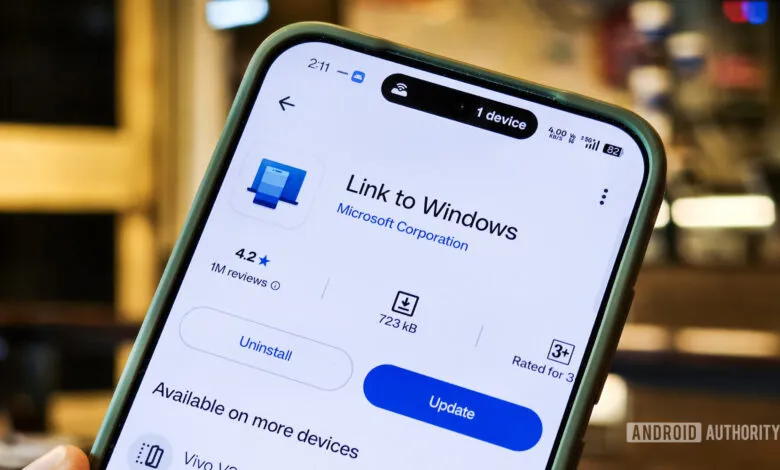
Microsoft is reportedly taking a big step toward making Android feel like a native part of Windows 11, with a series of upgrades designed to deepen Phone Link integration. Since launching the Your Phone and Your Phone Companion apps in 2018, later rebranded as Phone Link and Link to Windows, the company has steadily bridged the gap between PC and smartphone. Now, according to Windows Central, Microsoft is exploring changes that would make these cross-device experiences feel far more seamless.
One of the most anticipated updates involves the Phone Companion feature inside the Start menu. Instead of launching the full Phone Link app just to check recent activity, users would see a richer overview directly in Start. Hovering over an activity, like a message preview, could reveal more detail without opening another window. This shift toward surface-level convenience is a clear signal that Microsoft wants your phone’s status to feel like a natural extension of the OS.
A dedicated smartphone flyout is also in the works. When your phone is connected, a phone icon would appear on the Taskbar. Clicking it opens a pop-up showing your device’s status plus quick toggles for do not disturb, vibrate mode, and a find phone feature. Perhaps most useful, you could drag and drop files directly onto the icon to transfer them to your Android device. That kind of frictionless file sharing has been a long-standing wish for many users.
Clipboard syncing is also getting attention. Currently, Phone Link only remembers the last item you copied. Microsoft is reportedly developing a way to sync your entire clipboard history between your phone and PC, making it far easier to copy text or images on one device and paste them on the other.
Perhaps the biggest shift is a new standalone Messages app. While Phone Link already includes messaging capabilities, this separate app would be pinable to the Start menu and function independently. That would give users quicker access to SMS and RCS chats without needing to open the full Phone Link interface.
For now, these features are still being prototyped internally. Microsoft’s sources caution that details could change before public release, and the company will likely turn to its Insider community for feedback first. Still, the direction is clear: Microsoft is working to make your Android phone feel less like a connected device and more like an integrated part of Windows 11.
(Source: Android Authority)