iOS 26.4: 3 New iPhone Customization Features
▼ Summary
– iOS 26.4 introduces three new methods for users to personalize their iPhone.
– The update includes a variety of additional features beyond customization options.
– It represents a software upgrade for Apple’s mobile operating system.
– The release is now available for users to download and install.
– The announcement focuses on highlighting what is newly available in this version.
Apple’s latest software update introduces a suite of enhancements, with a particular focus on personalization. The iOS 26.4 release delivers three significant new features that give users more control over their device’s appearance and functionality. These additions allow for a more tailored and expressive user experience.
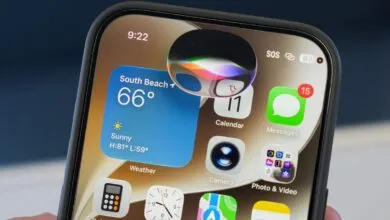
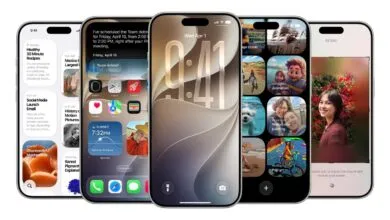
One of the most notable changes is the ability to create custom app icon layouts. This feature moves beyond the standard grid, enabling users to place icons anywhere on the Home Screen. You can now design unique arrangements, leave intentional gaps for a minimalist aesthetic, or group apps in non-linear clusters. This level of control over the visual organization of your iPhone was previously unavailable.
The update also expands the Dynamic Island’s interactive capabilities. Apple has opened the platform to more third-party developers, allowing for richer, real-time information displays. Users can expect live sports scores, detailed food delivery tracking, and enhanced music controls to appear directly within the Dynamic Island. This transforms the area from a simple notification hub into a more persistent and useful interactive widget.
Finally, iOS 26.4 introduces system-wide color theming. Building on the existing accent color options, this feature applies a user-selected palette across native system interfaces, including menus, buttons, and system alerts. The theming engine is intelligent, ensuring text remains readable and UI elements maintain proper contrast. This creates a more cohesive and visually personalized environment throughout the operating system.
(Source: 9to5Mac)