Windows 11’s Final 2025 Update: New Features & Fixes
▼ Summary
– Microsoft has released the final Windows 11 security update for 2025 (KB5072033), which includes new features and changes.
– Key new features include a more consistent dark mode for File Explorer dialogs and the ability to disable the share drag tray.
– The update also introduces several fixes, including for Copilot’s “Ask Copilot” window and a white flash issue in File Explorer.
– A known issue is present where the password option on the login screen may appear invisible but is still clickable.
– Many of these new features are rolling out in waves, so users may not see them all immediately after installing the update.
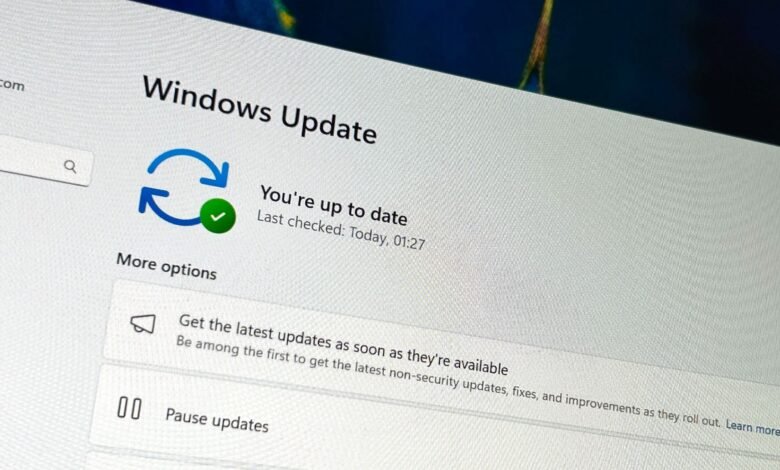
Microsoft has released the final security update for Windows 11 in 2025, designated as KB5072033. This year-end package delivers a collection of new features and critical fixes, capping off a year of steady monthly updates for the operating system. The update focuses on refining the user experience with improvements to core applications and system stability.
A significant visual enhancement is the more consistent application of dark mode within File Explorer. This now extends to various pop-up windows and dialogs, such as the file copy interface and deletion confirmation prompts, creating a more uniform and less jarring visual experience. Users also gain a new toggle to disable the share drag tray that automatically appears at the top of the screen when dragging files. Additional quality-of-life tweaks include the Windows Search pane now matching the dimensions of the Start menu for visual harmony, the ability to manually skip to the next background image when using Windows Spotlight, and the introduction of haptic feedback for snapping application windows and dragging files with compatible hardware.
It is important to note that many of these new features are being distributed in phases. You might not see all the changes immediately after installing the update, as Microsoft often rolls them out gradually to users.
Alongside these features, the update resolves several persistent issues. A problem where the Ask Copilot feature failed to properly activate the “Click to Do” window has been fixed; the window now correctly appears in the foreground when sharing data. For File Explorer, an annoying visual glitch that caused a brief white flash when navigating between pages, an issue potentially introduced by a previous update, has been addressed. On the networking front, the update corrects a bug where external virtual switches would lose their physical network adapter bindings after a host reboot, which previously caused virtual machines to lose connectivity and disrupted server operations. Furthermore, PowerShell 5.1’s Invoke-WebRequest cmdlet now includes a mandatory security confirmation prompt warning users of script execution risks before proceeding, a change detailed in related security advisories.
Microsoft has also acknowledged one known issue accompanying this release: the password entry field on the login screen may occasionally render as invisible. The functionality remains intact, so users can still click on the expected area to type their password, but the visual element is missing.
This final update of 2025 continues Microsoft’s pattern of delivering a continuous stream of features and adjustments throughout the year. Whether this rapid, iterative approach to feature delivery will persist into the next year remains a point of observation for the Windows community.
(Source: Windows Central)