Text Claude Like a Personal Assistant With This iPhone Shortcut
▼ Summary
– The author describes using an iPhone shortcut to interact with the Claude AI assistant via text messages, making it feel like messaging a helpful friend rather than using a dedicated app.
– The setup uses Apple’s Shortcuts automation to detect a message with a trigger phrase, send it to Claude, and then return the AI’s generated response.
– This method streamlines quick AI tasks like summarizing articles, drafting replies, or organizing notes directly from the messaging interface.
– The interaction feels natural and integrated because it leverages the habitual use of texting, reducing the steps needed to access AI assistance.
– While not a replacement for complex AI app functions, this shortcut represents a trend of AI moving into everyday tools like messaging for fast, convenient help.
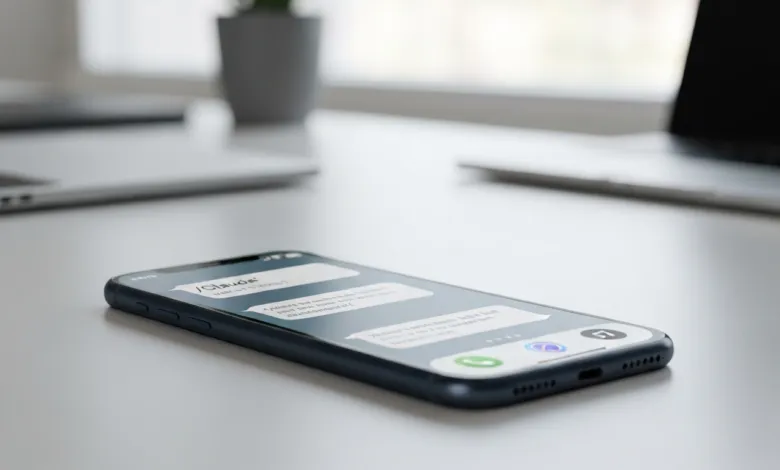
Imagine having a personal assistant available at your fingertips, ready to draft an email, summarize an article, or organize your thoughts with a simple text message. This is now possible by using a clever iPhone shortcut that transforms Claude, the AI assistant, into a text-based helper. The experience feels remarkably intuitive, shifting AI interaction from a formal app-based task to a casual, conversational exchange similar to messaging a friend.
Traditionally, using an AI like Claude meant opening its dedicated application, typing a query, and waiting within that environment. A streamlined automation built with Apple’s Shortcuts app changes this dynamic entirely. You can send a text containing a specific trigger phrase, and the automation handles the rest, routing your request to Claude and bringing the answer back to your Messages app. The setup is surprisingly straightforward and doesn’t require any coding knowledge or an API key.
Getting started takes just a few minutes. First, open the Shortcuts app on your iPhone and navigate to the Automation tab. Create a new Personal Automation and select “Message” as the trigger. You’ll configure it to activate when you send a message containing a chosen phrase, like “/Claude” followed by your request. The next steps involve adding actions to open the Claude app and pass your message text to it. While the final step of copying Claude’s response back into a message to yourself isn’t fully automated, it’s a quick manual paste that completes the loop. Once enabled, any text with your trigger phrase will seamlessly initiate a request to the AI.
The real magic lies in how this changes your relationship with the technology. Most of us check our text messages constantly throughout the day. Integrating Claude into this habitual flow makes it feel less like a separate tool and more like an extension of your own capabilities. Instead of the mental step of deciding to open an app, you simply think, “I’ll text Claude about this.” This psychological shift is subtle but powerful, especially during busy days when minimizing friction is key.
This method excels for quick, actionable tasks. It’s perfect for summarizing a long article link someone sent you, brainstorming a few ideas for a project, drafting a polite reply to an email, or turning a rambling voice memo into a clean to-do list. The responses appear right within your messaging thread, keeping them conveniently at hand. For extensive writing projects, deep analysis, or complex problem-solving, you’ll still want the full features of the Claude app. However, for on-the-fly assistance, this shortcut provides a surprisingly natural and efficient workflow.
This approach reflects a broader trend in artificial intelligence, where it is increasingly embedded into the tools and platforms we use every day, rather than confined to standalone applications. By bringing Claude into your messaging environment, you harness the AI’s power in a context that already feels familiar and effortless. It turns sporadic help into a continuous, accessible conversation, making advanced AI assistance feel as simple as texting a knowledgeable friend.
(Source: Toms’s Guide)