1Password’s New Anti-Phishing Tool Protects Your Weakest Link
▼ Summary
– AI tools are enabling criminal gangs to create highly realistic fake websites for sophisticated, high-volume phishing campaigns.
– A 1Password survey found that 89% of Americans have encountered a phishing scam, with 61% having surrendered their credentials at least once.
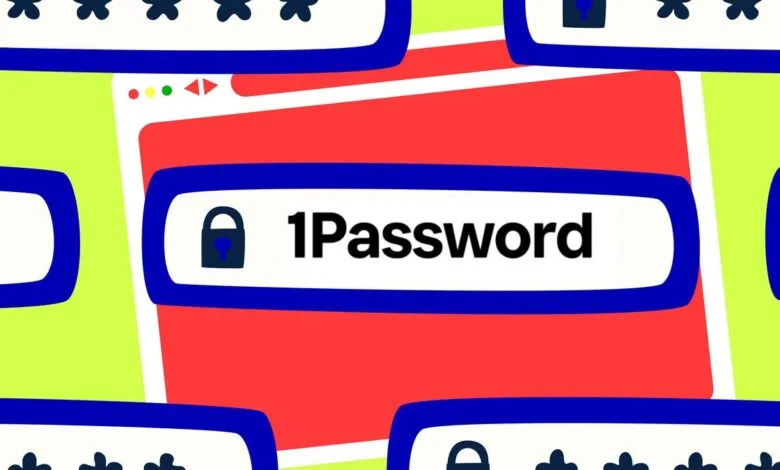
– 1Password’s new phishing protection feature warns users with a pop-up when they attempt to paste credentials into an unauthorized website.
– Enabling multi-factor authentication (MFA) is the most important step to prevent damage from phishing, as it blocks the use of stolen credentials alone.
– Using unique passwords for every site and fostering a blame-free environment for reporting phishing attempts are also crucial protective measures.
The alarming rise of AI-powered phishing scams has created a new urgency for digital security, with criminals leveraging sophisticated tools to craft deceptive websites that are nearly indistinguishable from legitimate ones. 1Password’s new phishing protection feature directly confronts this threat by adding a critical warning when users attempt to paste their credentials into a suspicious site, aiming to protect the human element often considered the weakest link in security chains. This innovation arrives alongside sobering research indicating that a vast majority of people have encountered phishing attempts, with many having fallen victim.
Criminal groups have streamlined their operations, using artificial intelligence to generate highly convincing fake websites at scale. These sites are then deployed through common channels like personal emails, text messages, and social media posts, often using urgent or enticing lures. While attacks on individuals seek quick financial gain, corporate phishing campaigns are frequently more elaborate, serving as the initial entry point for devastating ransomware attacks or major data breaches. The goal is to obtain employee credentials, which can unlock deep access to sensitive corporate systems.
Traditional password managers offer a baseline defense by refusing to auto-fill login information on sites with mismatched domains. However, this safeguard can be easily circumvented. If a fake site is convincing enough, a user might simply open their password vault and manually copy and paste their username and password, completely bypassing the built-in protection. This manual action is precisely what the new tool is designed to intercept.
The enhanced security works by monitoring user activity within the browser. When the 1Password extension detects that a user is copying and pasting login credentials into a website that is not authorized for that data, it immediately triggers a prominent pop-up warning. This alert is designed to be specific and jarring enough to make the user pause and reconsider their actions, prompting them to verify the website’s URL carefully. For businesses, this warning can function like the banners often placed on external emails, providing a clear, teachable moment for security training. The feature is enabled by default for individual and family accounts, while enterprise administrators can control its deployment through their admin console.
While no single solution is foolproof, users suffering from “dialog fatigue” might still ignore the alert, this added layer creates a significant hurdle for attackers. Pairing this tool with multi-factor authentication (MFA) dramatically boosts account security, ensuring that stolen credentials alone are insufficient for access. It is also critical to maintain unique passwords for every service to prevent credential stuffing attacks, where hackers use leaked login details from one site to attempt access on others.
Ultimately, fostering a culture of security awareness is paramount. Whether in a home or a corporate environment, users should feel empowered to report suspicious messages without fear of reprimand. A swift response to a potential phishing incident can drastically limit its damage, making user education and clear reporting channels essential components of a comprehensive defense strategy.
(Source: ZDNET)