How to Use ChatGPT as Your Personal Spotify DJ
▼ Summary
– The author uses ChatGPT over Spotify’s AI to create music playlists because it connects directly to Spotify and analyzes personal listening data.
– ChatGPT excels at understanding complex, descriptive prompts and can suggest ways to expand on them for better playlist creation.
– Setting up the integration involves linking a Spotify account to ChatGPT, which then uses streaming history to inform its music selections.
– A test prompt for a relaxing Sunday afternoon playlist successfully blended familiar favorite artists with new, thematically appropriate song discoveries.
– The author values this method for quickly generating niche, activity-based playlists that introduce new music while accounting for personal taste.
For years, generative AI has dominated my social media feeds, yet I never found a personal use for it until I discovered its potential for music discovery and playlist creation. While I’ve experimented with Spotify’s own Prompted Playlist feature, it primarily recycled songs from my existing library. Though enjoyable, those playlists lacked the element of surprise I craved. This year, one of my resolutions is to broaden my musical horizons, exploring new genres and artists. That goal led me to leverage ChatGPT as a personal Spotify DJ, a method that has transformed how I find music.
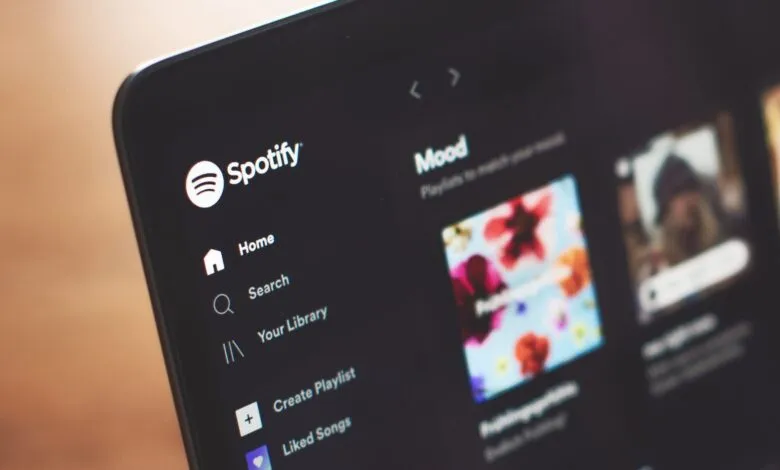
The key advantage of using ChatGPT lies in its plugin ecosystem, which allows direct integration with streaming services like Spotify. As a long-time Spotify user, I appreciate its interface, and linking my account to ChatGPT was a seamless process that took under a minute. This connection grants the AI access to my entire streaming history and music taste, enabling it to make informed recommendations beyond the constraints of a single prompt. Furthermore, ChatGPT excels at interpreting complex, nuanced prompts and can even suggest ways to refine them for better results.
Setting up the integration is straightforward. After logging into ChatGPT, I selected the plugins menu, found the Spotify icon, and connected my account. Once linked, the AI can analyze my listening habits to tailor its suggestions. Crafting effective prompts does require some creativity, but ChatGPT offers helpful guidance if you’re unsure where to start. For instance, I recently requested a playlist for a specific mood: a relaxed Sunday afternoon spent reading with sunlight streaming in. I asked it to create a list inspired by that scene and my personal taste.
The resulting playlist was perfectly curated. It included familiar favorites from artists like Hozier and Phoebe Bridgers, but also introduced me to tracks I hadn’t heard, such as selections from the Call Me By Your Name soundtrack. This thoughtful addition, likely inspired by the novel’s thematic connection to golden light, captured the exact ambiance I described. ChatGPT also proposed ways to make future playlists more specific, suggesting I could include a location or request instrumental tracks to aid concentration while reading.
As someone who enjoys crafting playlists manually, you might question why I’d delegate this task to AI. The answer is efficiency and discovery. Sometimes I need a quick, tailored playlist so I can focus on my activity, whether it’s reading, working, or relaxing. This tool provides that instant solution while also surfacing new artists and deep-cut songs that align with my established preferences. The more detailed the prompt, the more accurate and personalized the playlist becomes. For anyone looking to refresh their music library with minimal effort, using ChatGPT with Spotify is a rewarding experiment worth trying.
(Source: Tom’s Guide)